
Order booking
Pick customers, products and quantities with live prices and stock.
- Searchable customer picker
- Line-level discounts
- Draft and confirm
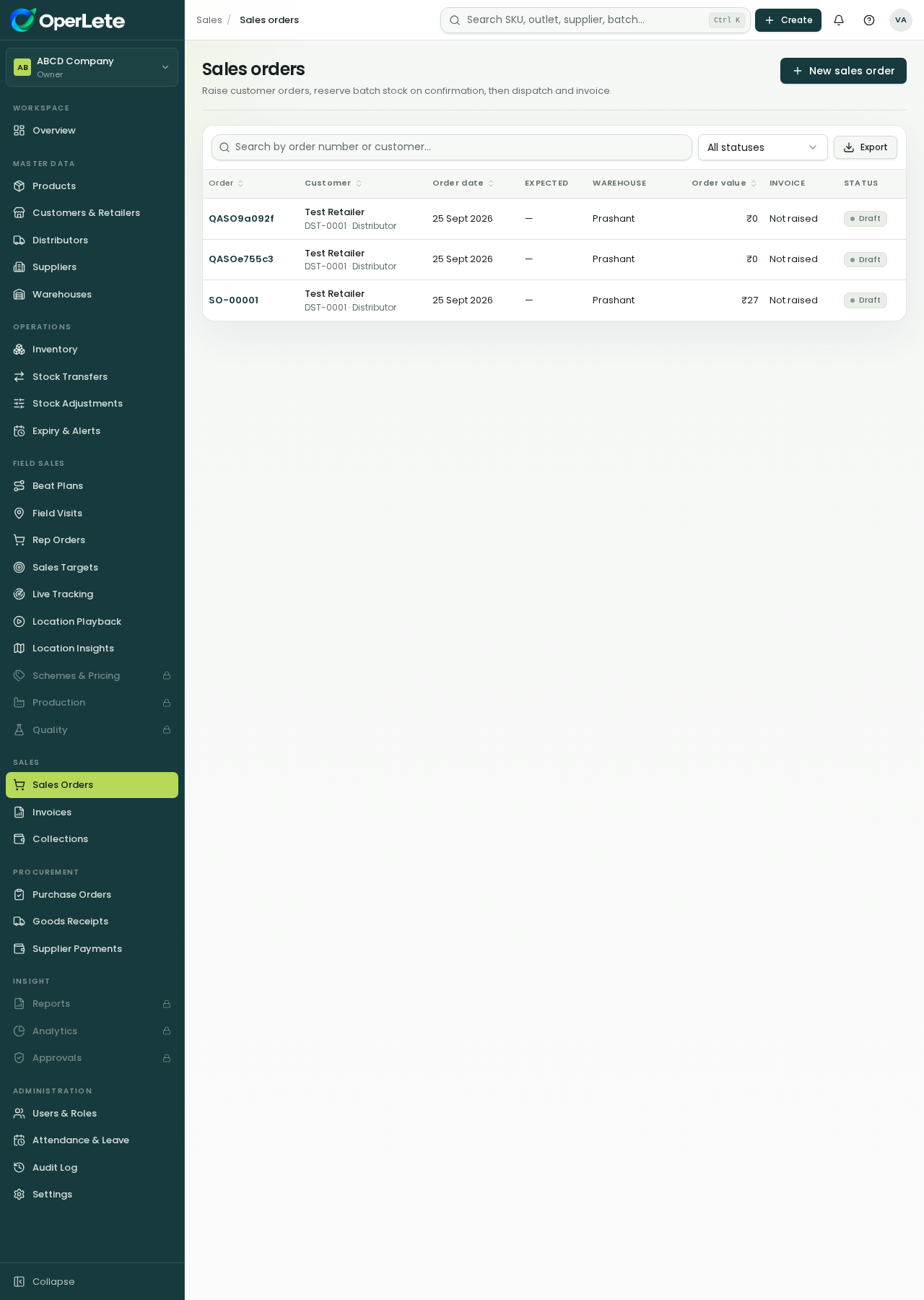
Manage the complete customer order journey from request to collection.
Sales teams can create orders, reserve stock, dispatch, generate invoice-style records and collect payments without moving between disconnected spreadsheets.
Sales & order management
Live in your workspace
Sales teams can create orders, reserve stock, dispatch, generate invoice-style records and collect payments without moving between disconnected spreadsheets.
Sales order creation
Customer selection
Batch reservation
Invoices and collections
Pick customers, products and quantities with live prices and stock.
Confirmed orders reserve batches using FEFO before dispatch.
Dispatch converts to invoices and payments close the loop.
Five simple steps your team can understand and repeat.
Select customer and add products.
Stock is checked and reserved.
Warehouse ships the reserved batches.
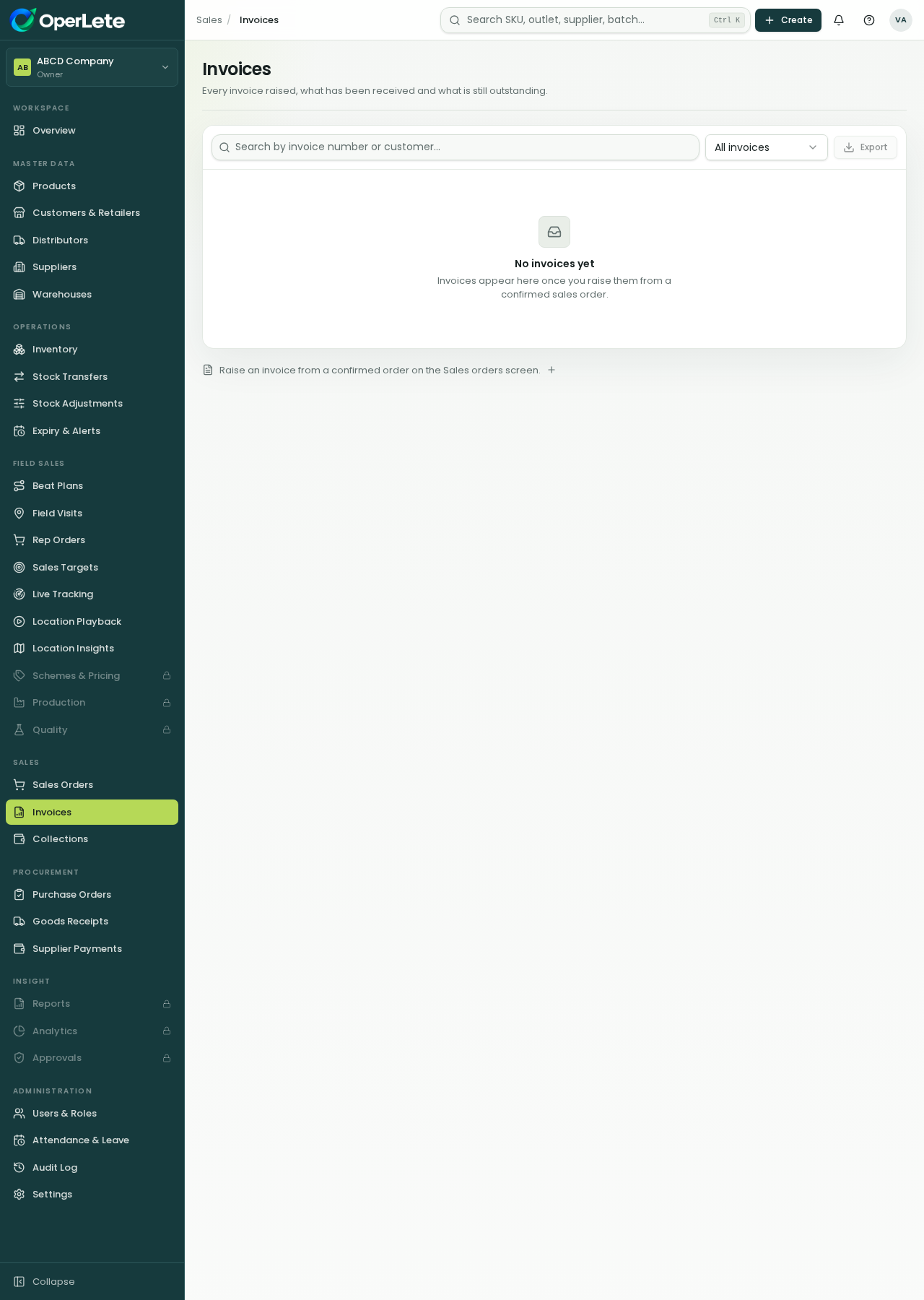
Invoice generated from the order.
Payments recorded against invoices.
Manage the complete customer order journey from request to collection.
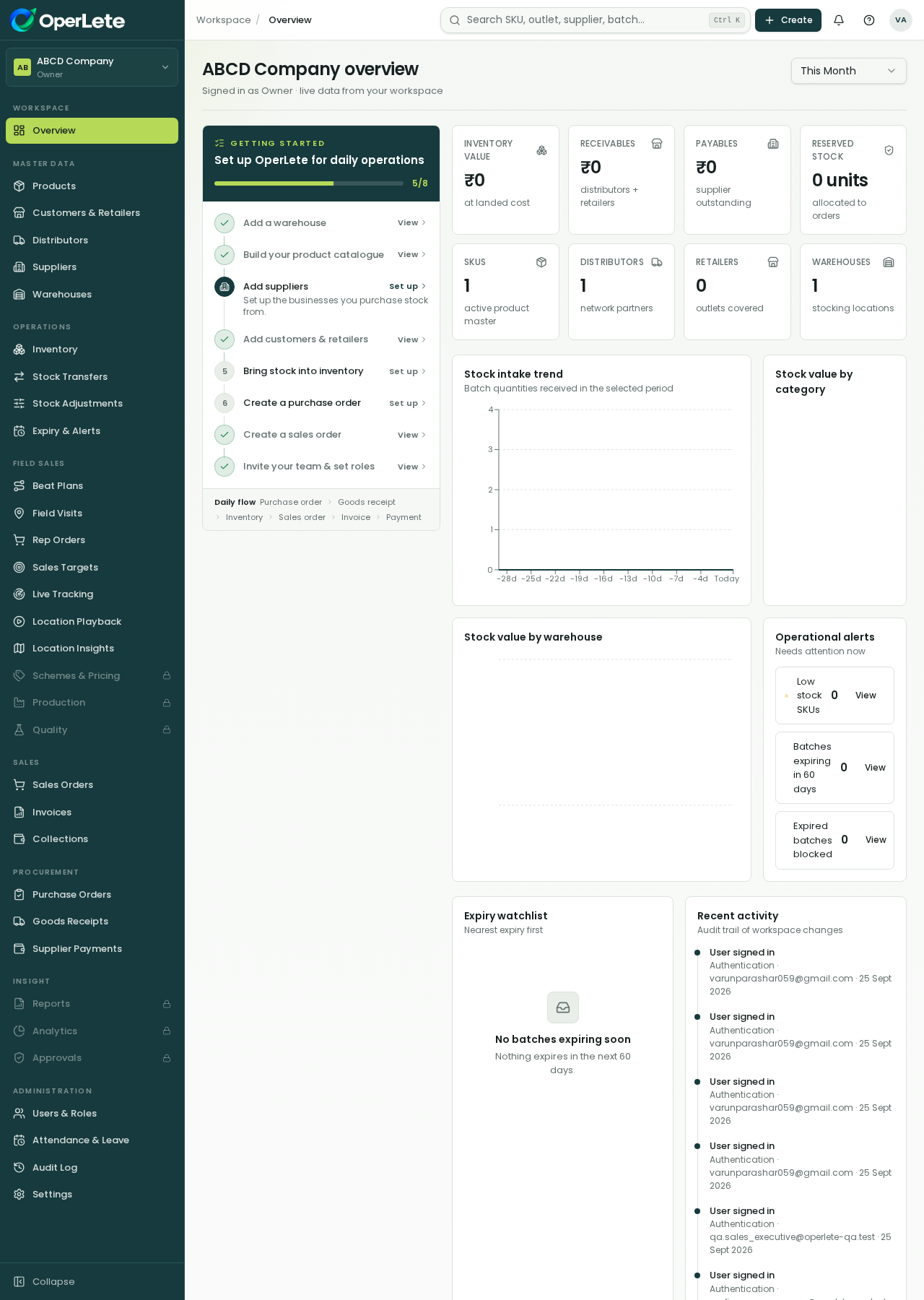
OperLete shows only the areas each role should work with, while owners keep control.
Batch reservation on confirm
Order to invoice conversion
Downloadable order documents
The same platform supports office teams, finance teams, managers and field reps.
Review the current modules, roles and rollout path for your FMCG business.