
Zero ghost visits
Face-verified punch-in and geofenced check-ins prove every outlet visit really happened.
OperLete follows the exact order in which an Indian FMCG business runs: set up your records, stock your godown, send reps to the market, dispatch orders, and close the books. Each step feeds the next — no re-entry, no mismatches.
Face-verified punch-in and geofenced check-ins prove every outlet visit really happened.
Oldest-expiry batches are reserved and picked first, so expiry write-offs stop surprising you.
Exact GST amounts and invoice-tagged collections keep ledgers clean to the last paisa.
Transporter, vehicle, LR number and proof of delivery on every dispatch — visible to distributors too.
Each stage below shows what your team actually does, what OperLete does automatically, and the business problem it removes.
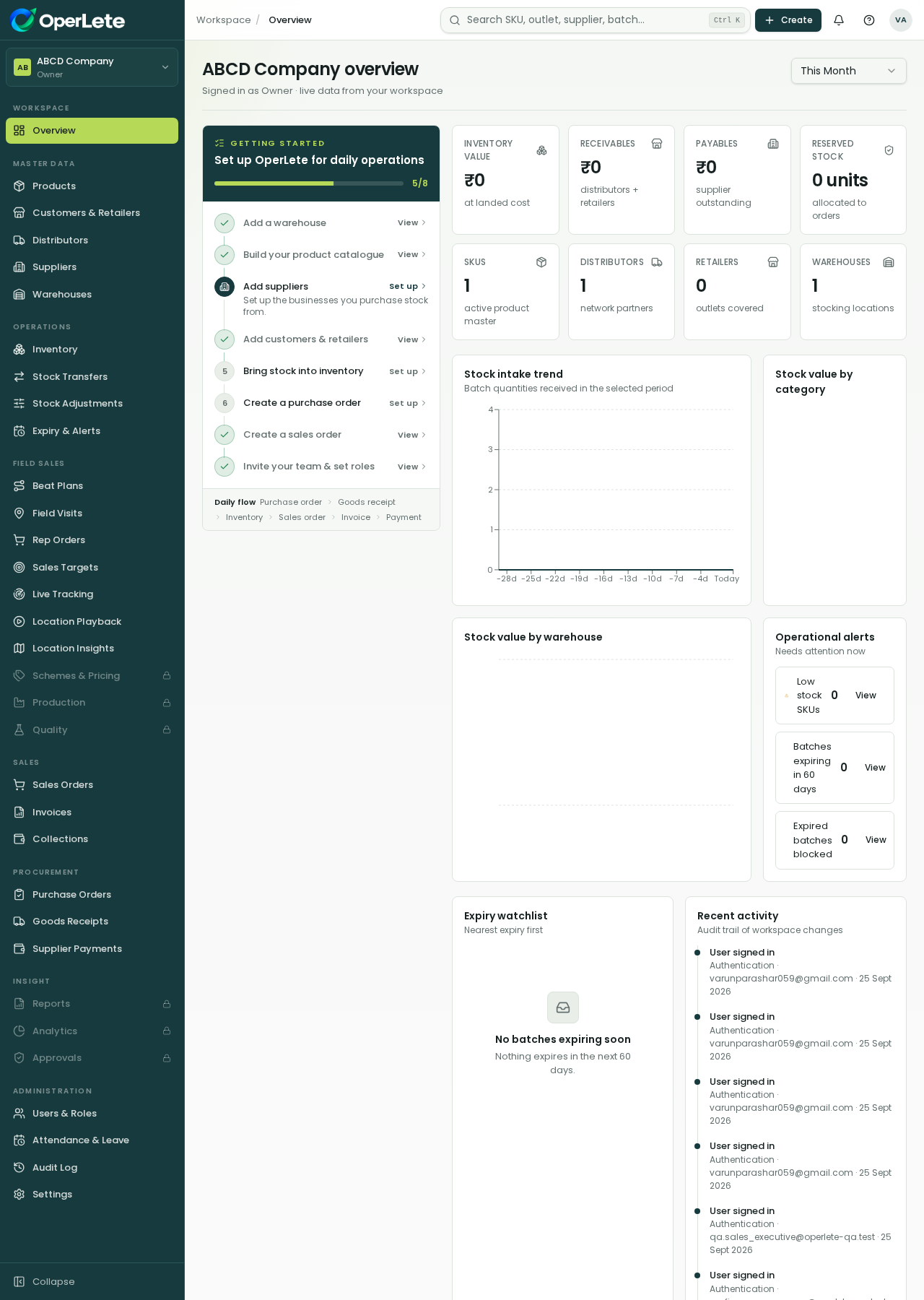
You start by adding the records every screen will reuse. No spreadsheets floating around on WhatsApp — one clean master list for the whole company.
The FMCG win: Replaces scattered Excel sheets with one source of truth. Every order, stock entry and report after this uses the same verified records.
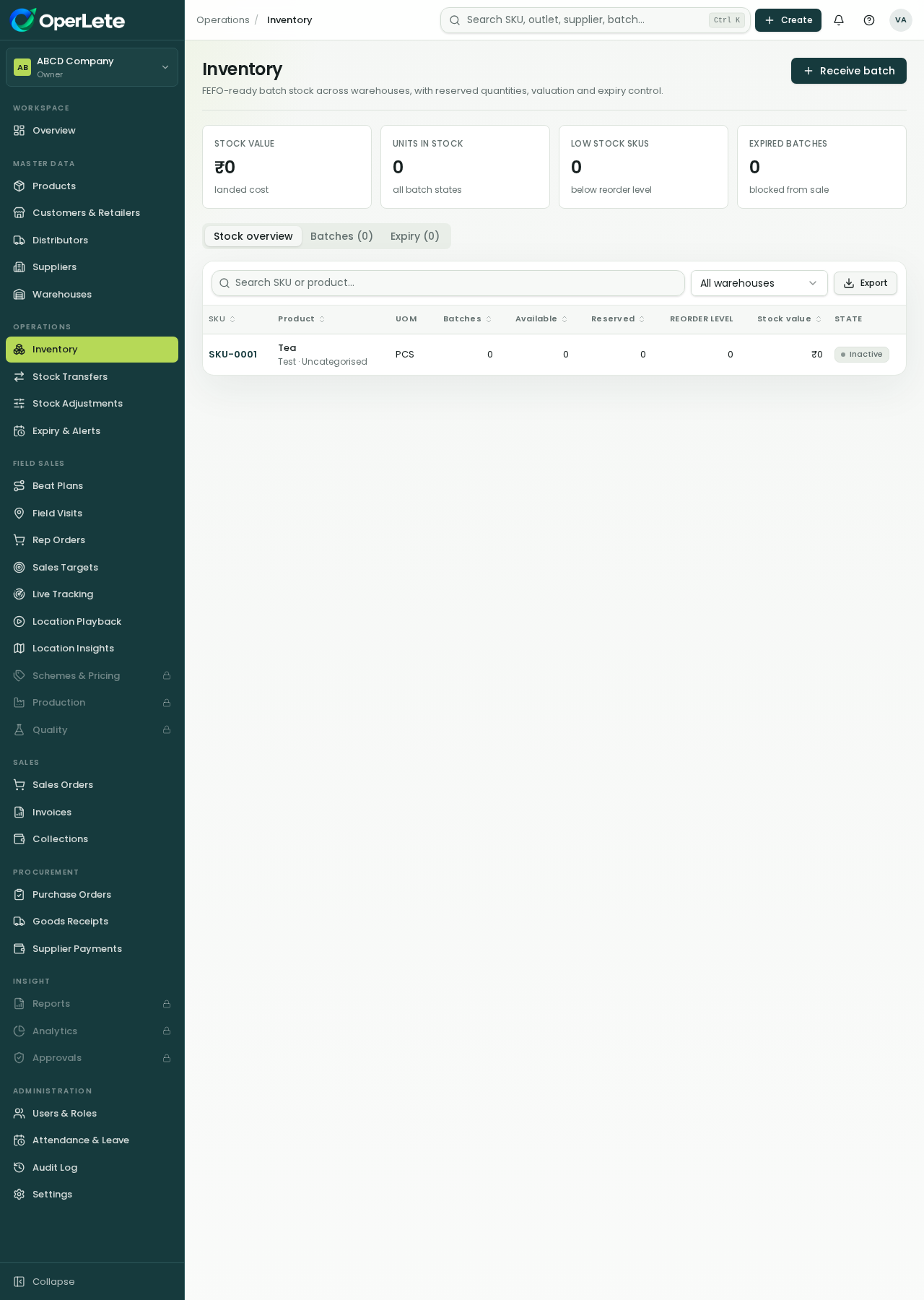
When goods arrive, you create a Goods Receipt against the purchase order. OperLete records batch number, manufacturing and expiry dates for every lot.
The FMCG win: FEFO (First-Expiry-First-Out) reservation means the oldest sellable batch is always picked first. Expiry losses stop before they happen.
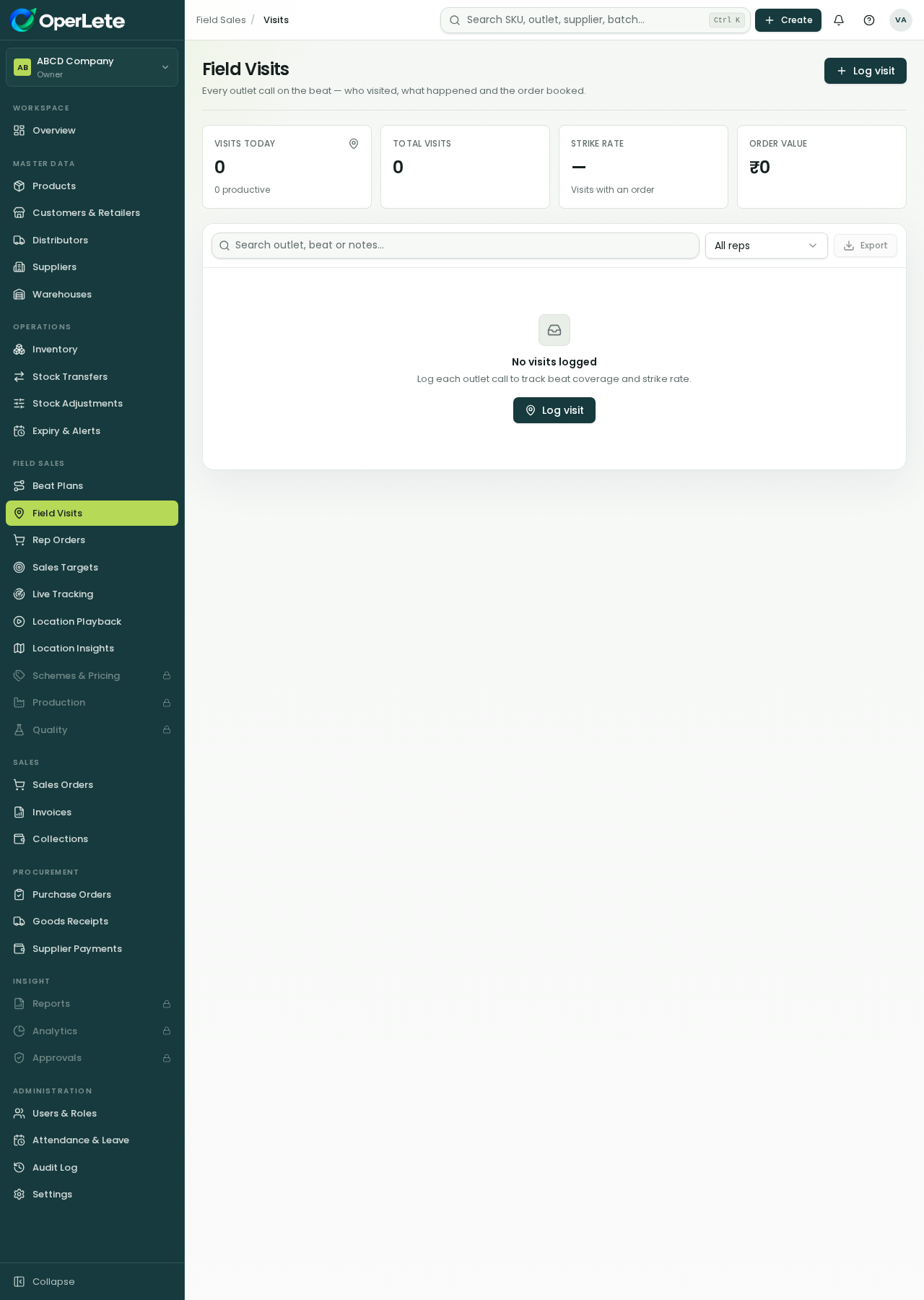
Each morning the rep opens the OperLete app, starts the day with a live selfie and GPS punch, and sees today's outlets in order. Managers watch it live.
The FMCG win: Owners and ASMs get a live map, journey timeline and route playback. The field activity you see is the field activity that actually happened.
Orders booked in the field or by distributors reach the warehouse instantly. Stock is reserved by FEFO, dispatched with full transport details, and delivery is confirmed with POD.
The FMCG win: No more 'order bheja tha' confusion on WhatsApp. Distributors see their shipment status in their own portal, and every dispatch is traceable.
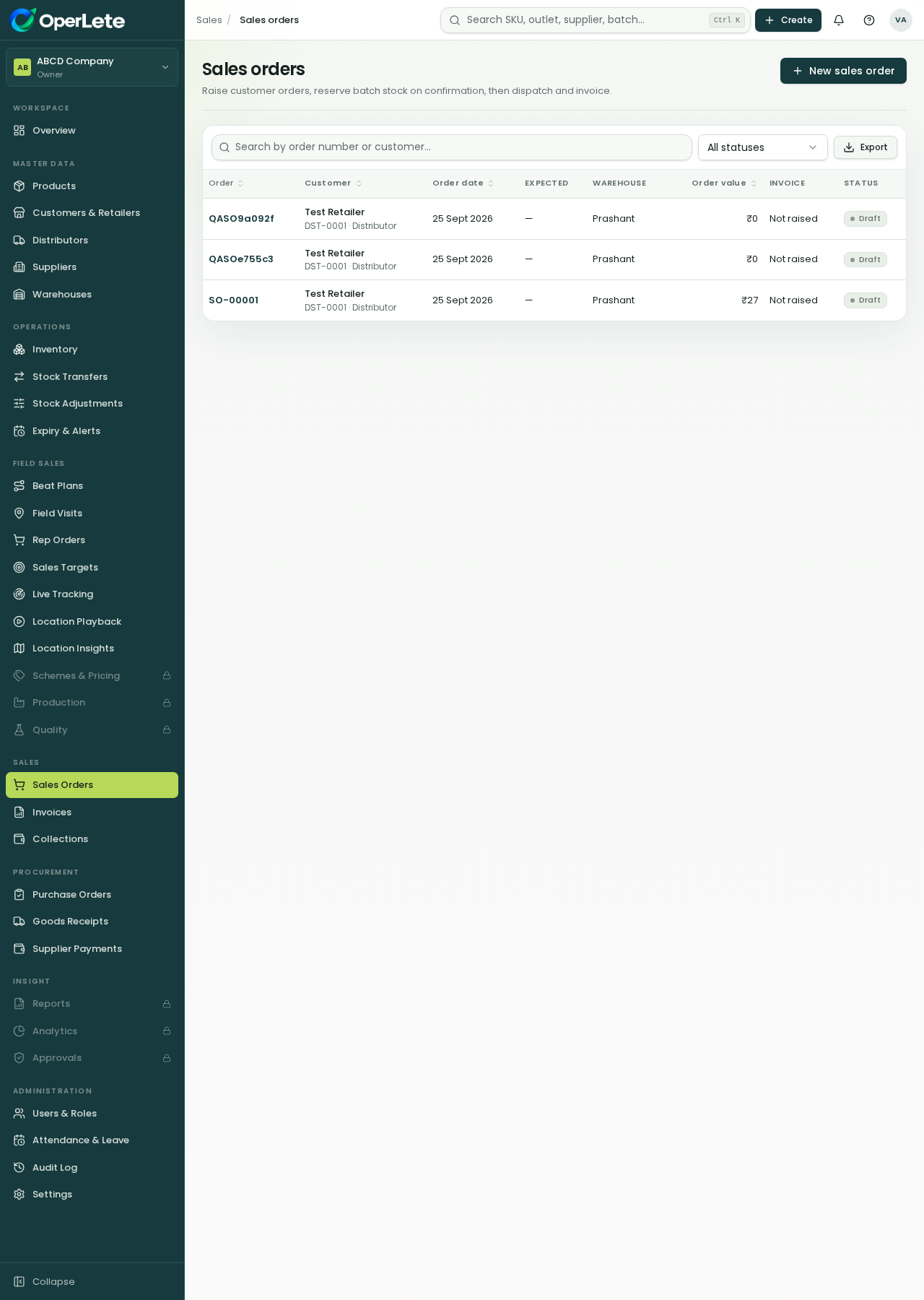
Delivered orders become GST invoices in one click. Collections from the field are tagged to the exact invoice, and approved returns settle through credit notes automatically.
The FMCG win: Owner, ASM and distributor all see the same outstanding number. Month-end reconciliation goes from days to minutes.

While your team works through the five steps, Opie quietly keeps guard in the background — and answers any question about the product instantly.
Flags near-expiry batches before they turn into write-offs.
Spots suspicious beat deviations and impossible travel.
Ask Opie anything about any OperLete feature, 24×7.
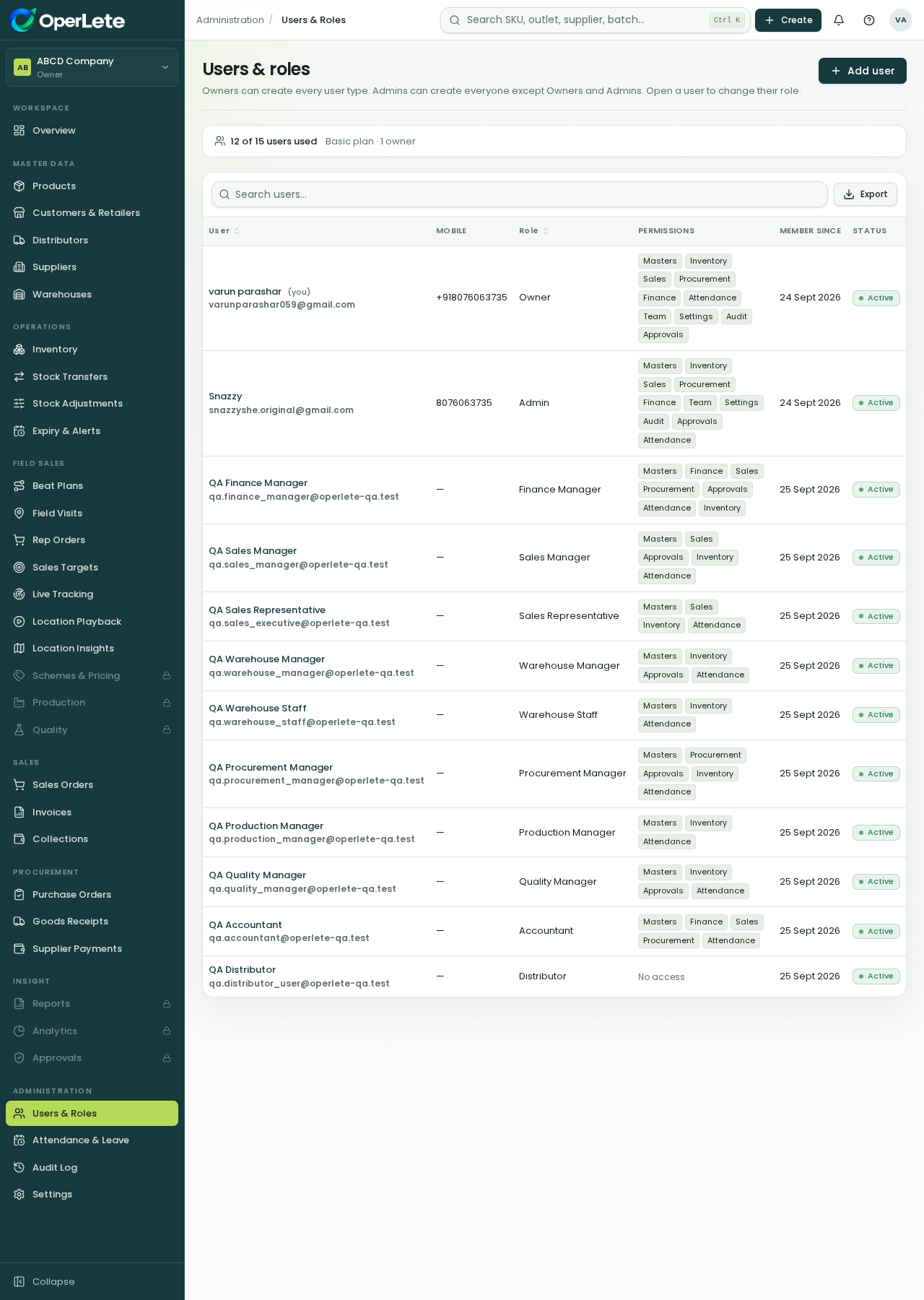
Permissions follow roles, so a rep never sees finance screens and an accountant never sees beat plans.
Sees the whole business on one dashboard — sales, stock value, outstanding, rep activity and audit history — across one or more organizations.
Lives in the mobile app: today's beat, outlet check-ins, order booking, collections and targets — nothing else to distract.
Gets a self-service portal: place orders, track dispatches with LR details, view invoices and credit notes, and raise returns.
Runs GRN, batch picking, dispatch, invoicing and supplier payments from the same screens the field team feeds.
Role-based permissions decide who can see and do each step.
Audit history lets owners review every important change.
Every screen works on the same master data — no duplicate entry anywhere.
Reps only see today's beat, their outlets, order booking and collections. Everything else — stock, invoicing, credit notes, reports — happens automatically in the office workspace.
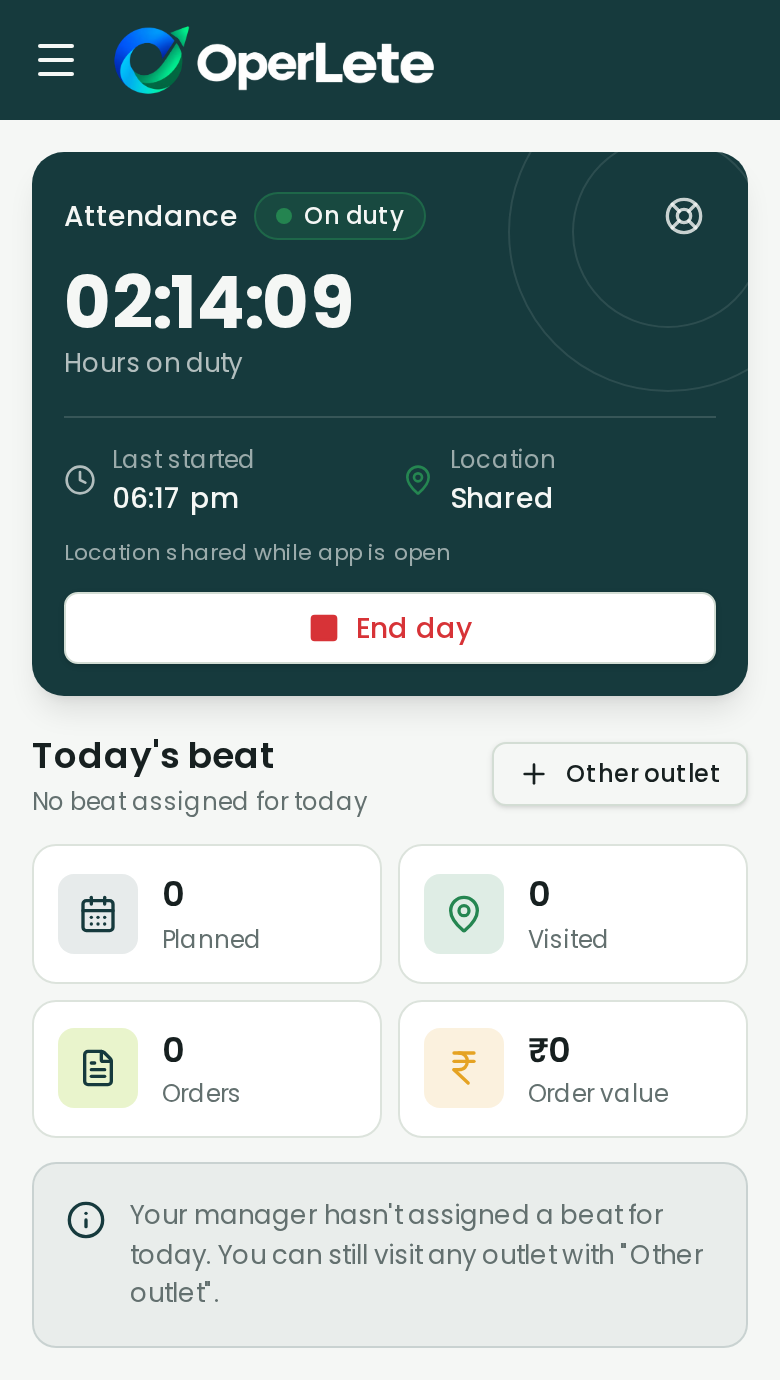
The Rep App: duty timer, today's beat, orders and collections
Set up in under a day. 14-day free trial, no card required.