
Purchase orders
Raise POs to suppliers with agreed rates and quantities.
- Supplier-wise POs
- Expected dates
- PDF purchase orders
Purchasing flows cleanly into receiving, stock and supplier payments.
Purchase orders, goods receipts and supplier payments are connected so finance and stock stay aligned.
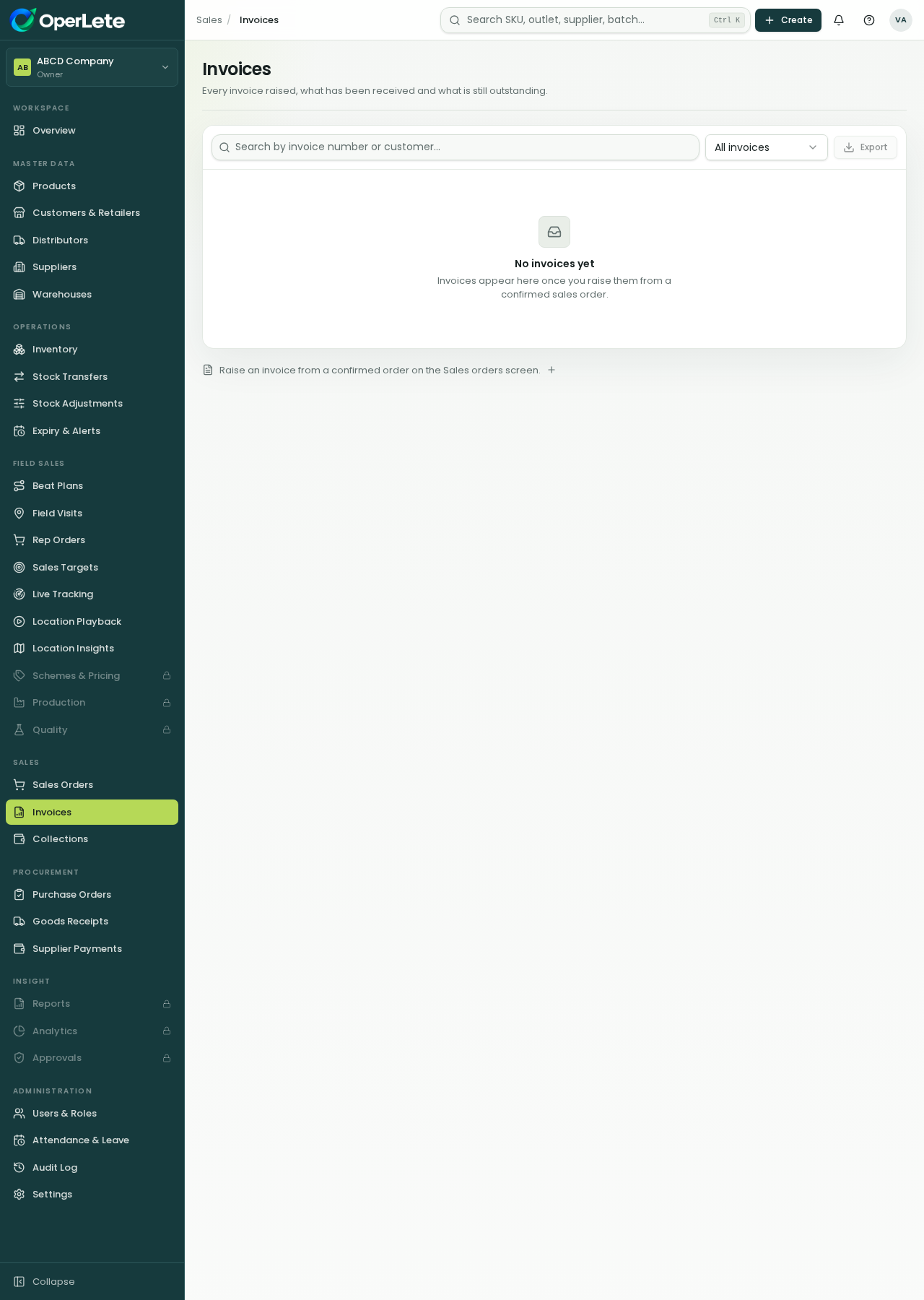
Procurement
Live in your workspace
Purchase orders, goods receipts and supplier payments are connected so finance and stock stay aligned.
Purchase orders
Goods receipt notes
Supplier payments
Stock batch creation from GRN
Raise POs to suppliers with agreed rates and quantities.
Receive against the PO and capture batch details.
Pay suppliers and track what is still due.
Five simple steps your team can understand and repeat.
Choose supplier and items.
Managers confirm the order.
Post GRN at the warehouse.
Batches created automatically.
Settle supplier dues.
Purchasing flows cleanly into receiving, stock and supplier payments.
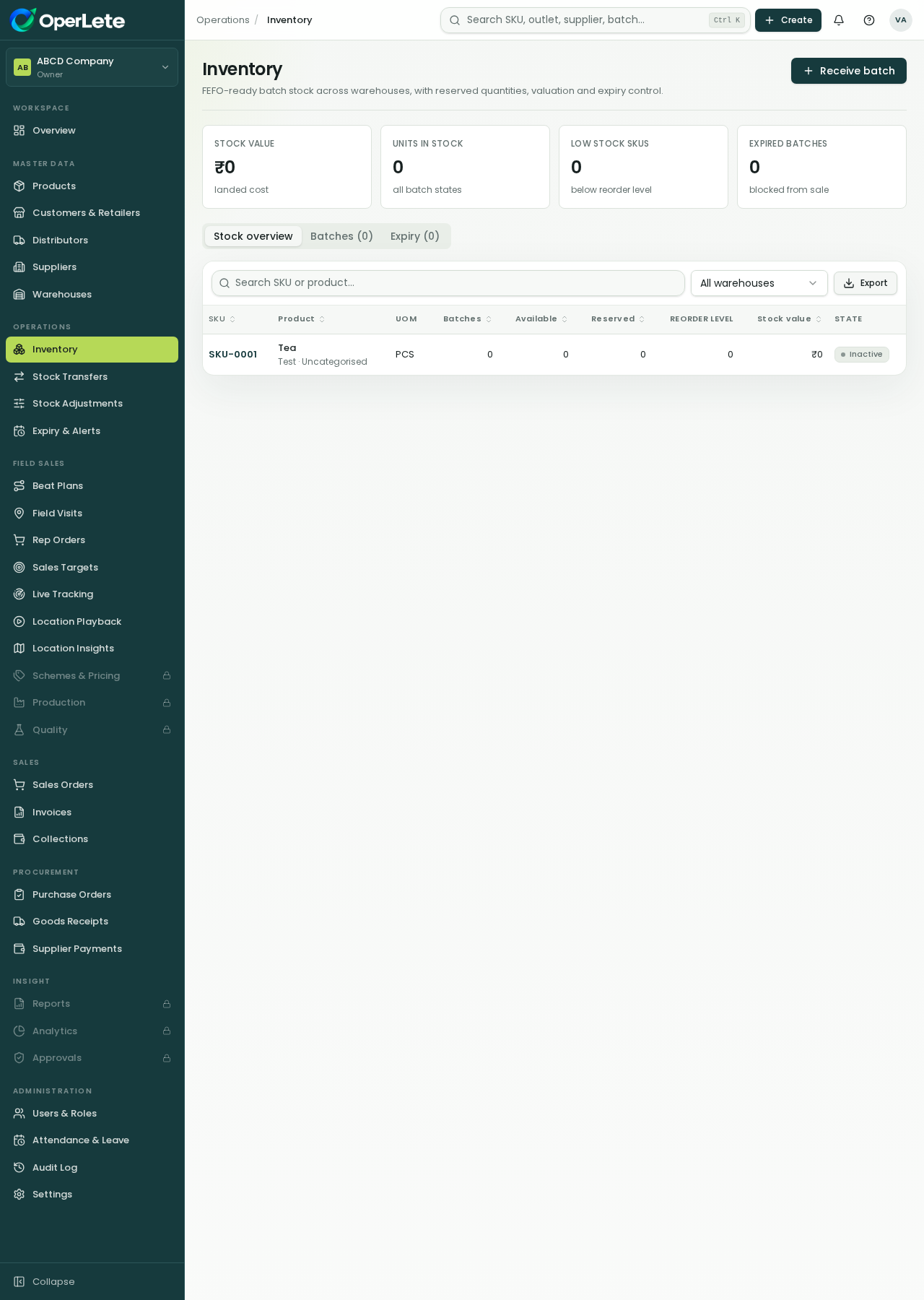
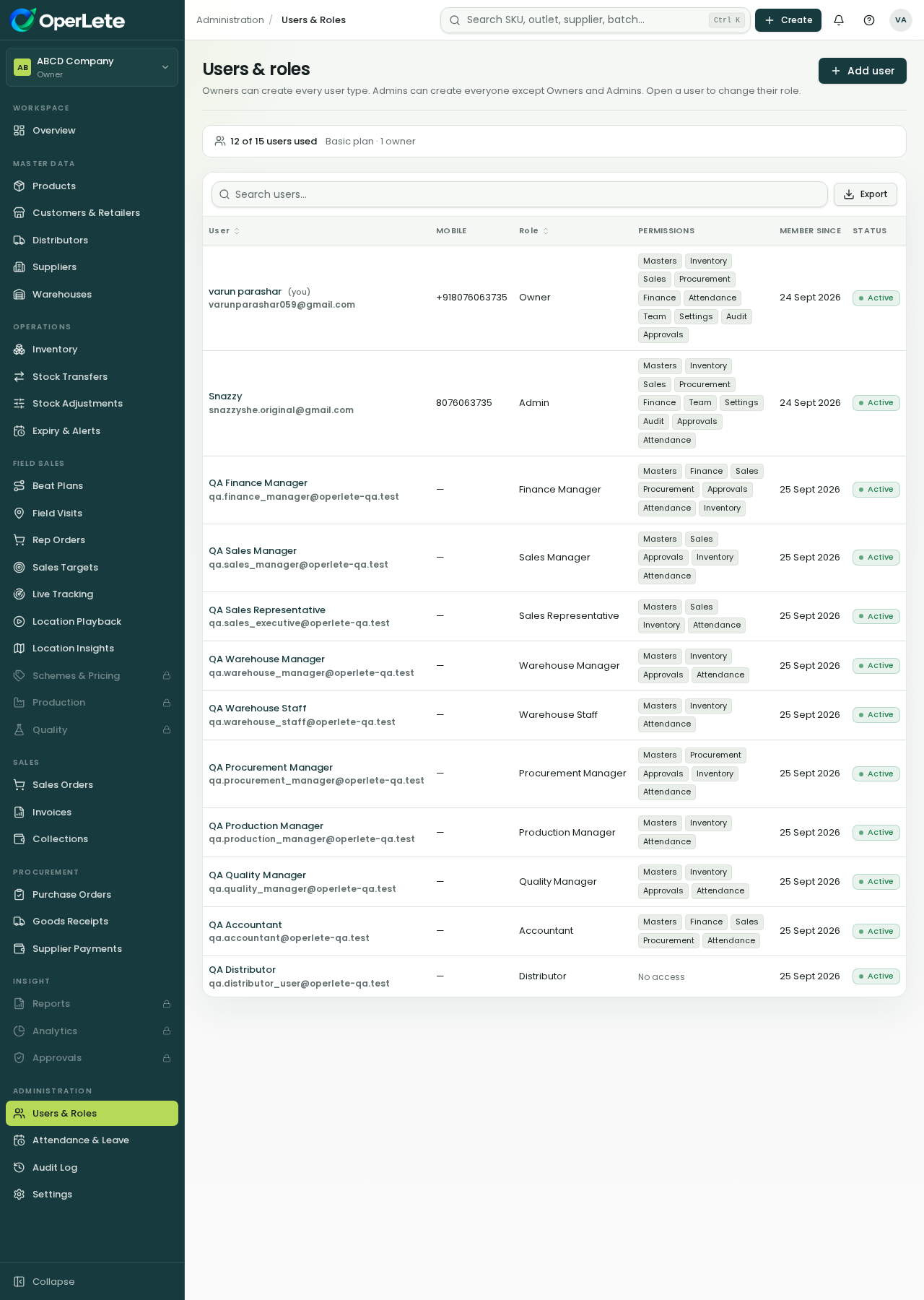
OperLete shows only the areas each role should work with, while owners keep control.
Linked purchasing records
Stock batches from receipts
Supplier payable view
The same platform supports office teams, finance teams, managers and field reps.
Review the current modules, roles and rollout path for your FMCG business.