
Sales & order management
Create customer orders, reserve batches, dispatch stock, generate invoices and collect payments in one flow.
- Sales orders
- Invoice-style documents
See how OperLete connects every major FMCG operating function.
OperLete is built as one connected operating system for FMCG teams, not separate tools stitched together later.
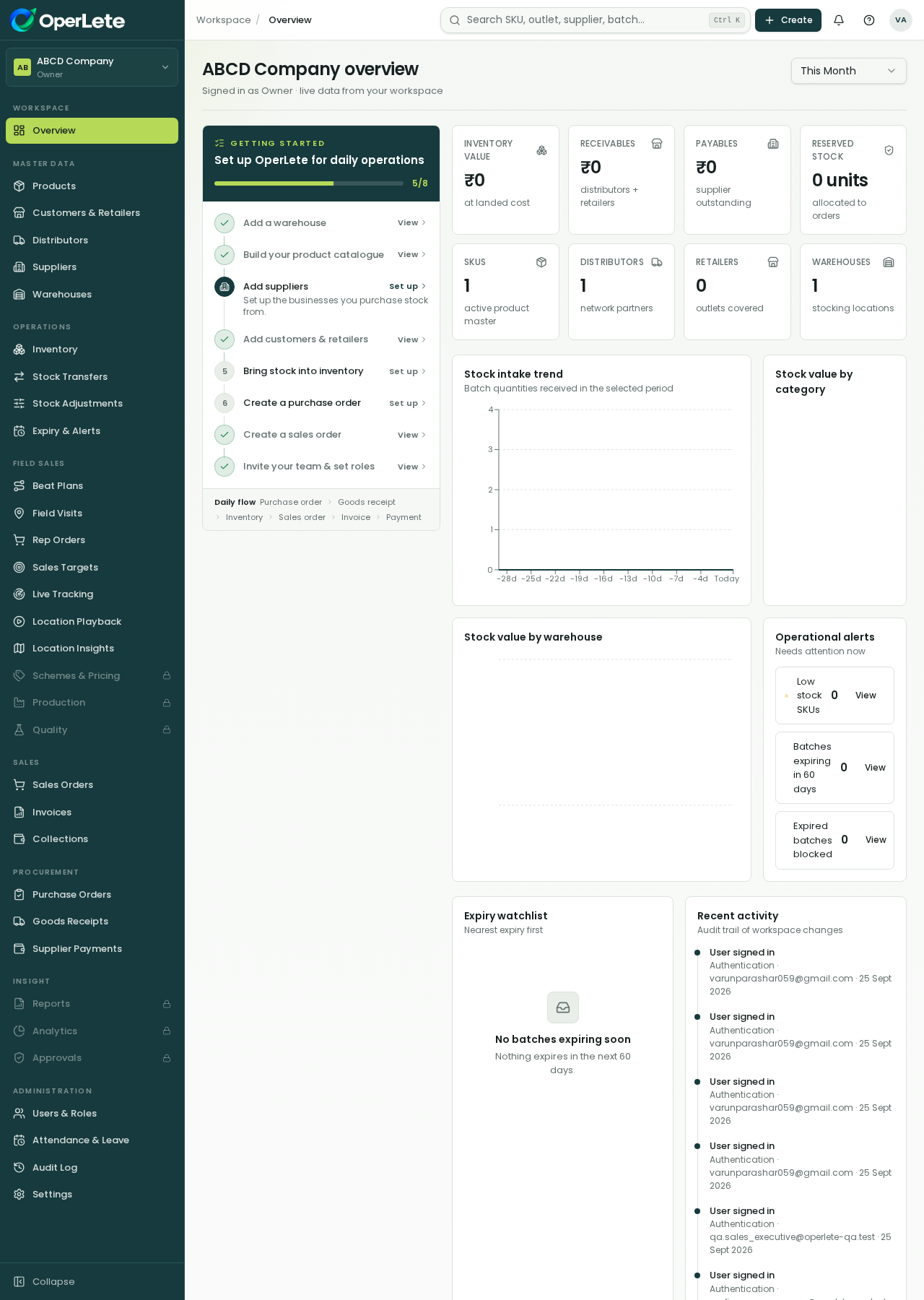
Product overview
Live in your workspace
OperLete is built as one connected operating system for FMCG teams, not separate tools stitched together later.
A guided workspace setup helps teams start with the right master data.
Sales, procurement, inventory, field sales and finance share the same live records.
Roles and permissions keep each user focused on only the work they should handle.
Each page connects back to the operating areas that make the workflow complete.
Create customer orders, reserve batches, dispatch stock, generate invoices and collect payments in one flow.
Track batch-wise stock across warehouses with expiry dates, FEFO reservation and operational alerts.
Raise purchase orders, receive goods through GRN, create stock batches and record supplier payments.
Give Sales Representatives a restricted mobile view for beats, visits, orders, GPS and targets.
Keep receivables, invoices, collections, supplier payments and outstanding amounts connected to real work.
Manage punch in/out, late marks, half-days, leave applications and manager approvals.
Five simple steps your team can understand and repeat.
Designed to keep the next team ready without duplicate entry.
Designed to keep the next team ready without duplicate entry.
Designed to keep the next team ready without duplicate entry.
Designed to keep the next team ready without duplicate entry.
Designed to keep the next team ready without duplicate entry.
See how OperLete connects every major FMCG operating function.
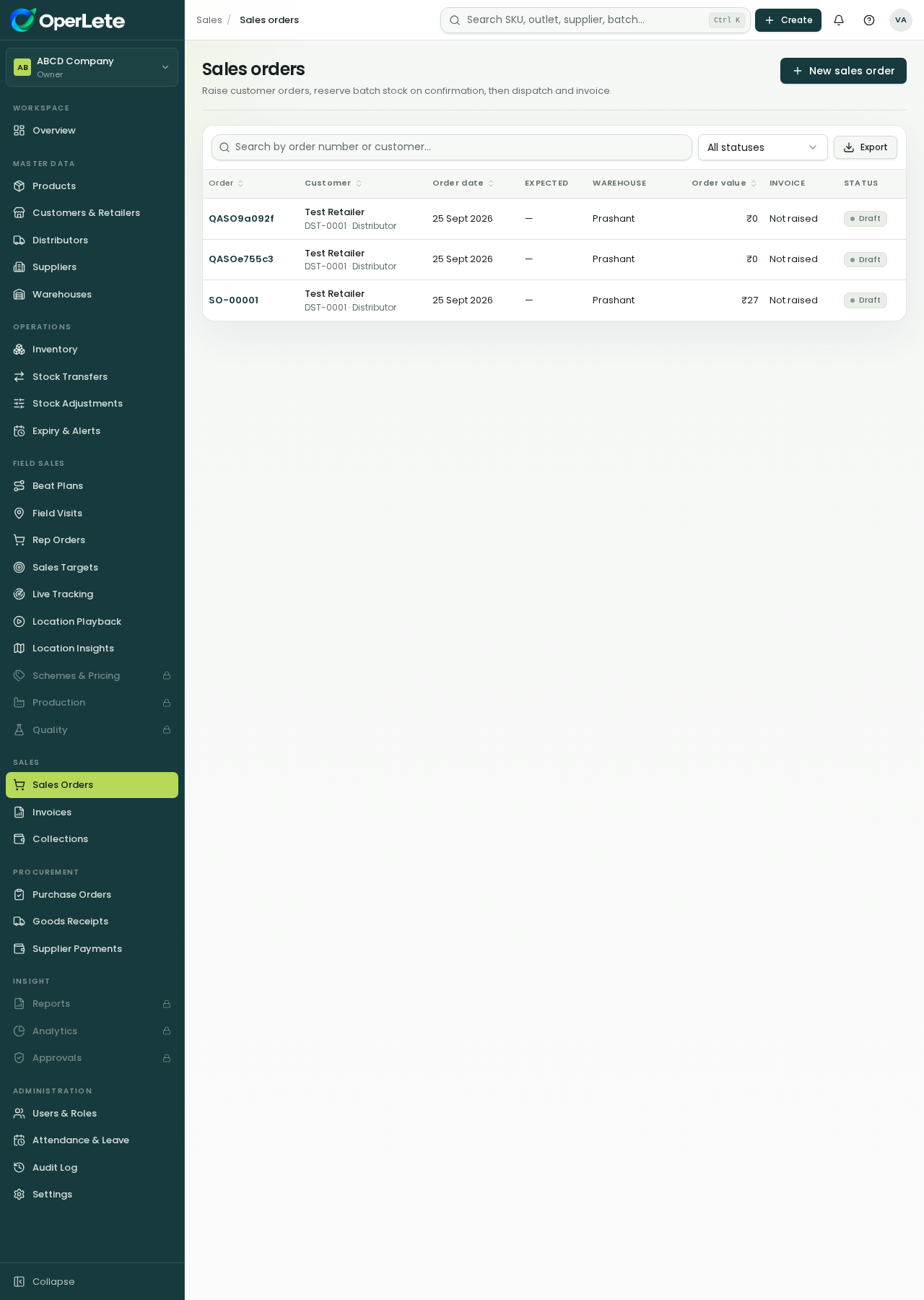
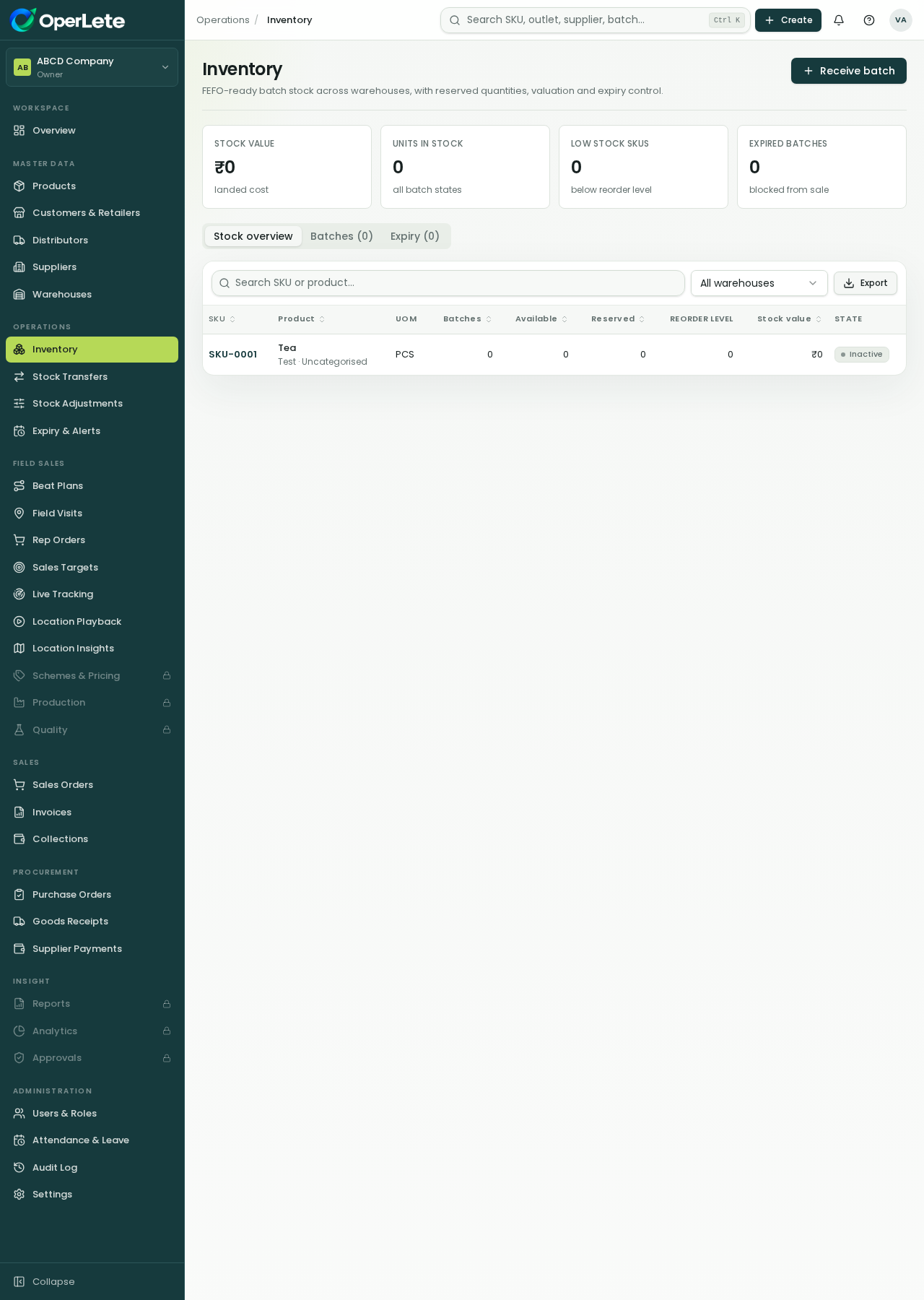
OperLete shows only the areas each role should work with, while owners keep control.
Core operating areas
Built-in role types
Connected data model
The same platform supports office teams, finance teams, managers and field reps.
Review the current modules, roles and rollout path for your FMCG business.